Welcome to the Blog
A sample folder-based post showing how Markdown and colocated images work together.
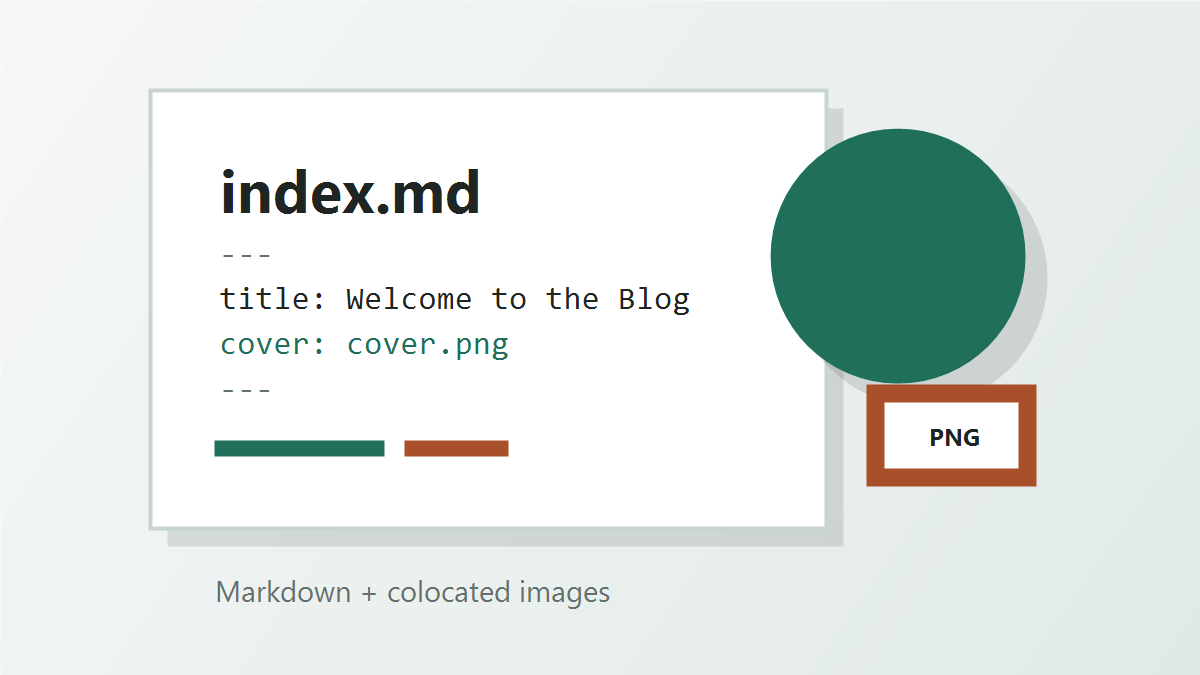
This sample post lives in posts/welcome/. The Markdown file, cover image, and any other images for this article stay together in the same folder.
Why This Structure
Keeping everything for a post in one folder makes the blog easier to maintain:
- Move or delete a post without hunting through a shared image directory.
- Keep image references short and readable.
- Draft posts locally with the same relative paths that GitHub Pages will use.
Adding More Images
Add image files next to index.md:
posts/welcome/
├── index.md
├── cover.png
└── architecture-diagram.png
Then reference them in Markdown:

Create Your Next Post
Copy this folder, rename it, update the front matter, and replace the Markdown content with your article.