Example Post
A copyable example showing how to add a folder-based Markdown post with local images.
This is an example post you can copy when creating a new article.
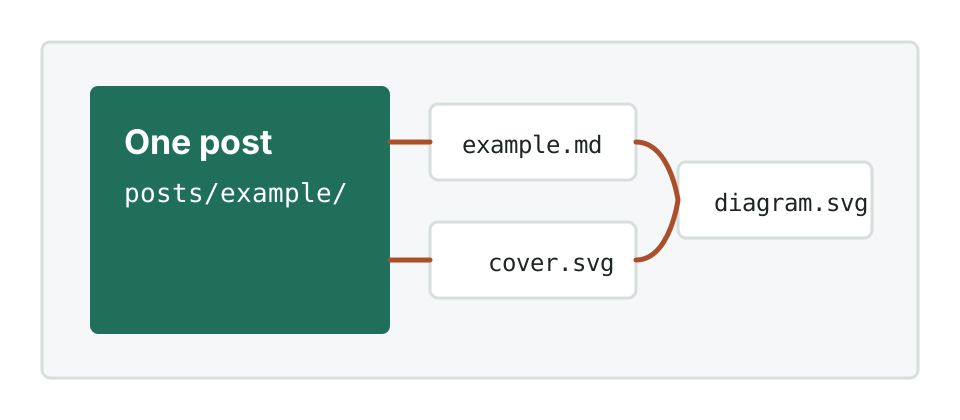
This file is named example.md, and every image used by this post is stored in the same folder:
posts/example/
├── example.md
├── cover.svg
└── diagram.svg
Because this post uses example.md instead of index.md, it includes this front matter line:
permalink: /posts/example/
That keeps the final page URL aligned with the folder, so relative image links work correctly.
Add An Image
Put the image file next to this Markdown file, then reference it with a relative path:
Rendered result:

Create Your Own Post
Copy the posts/example/ folder, rename it, and update these fields:
titledatedescriptiontagspermalinkcovercover_alt
For example, if your new folder is posts/my-first-build/, set:
permalink: /posts/my-first-build/
cover: "cover.jpg"